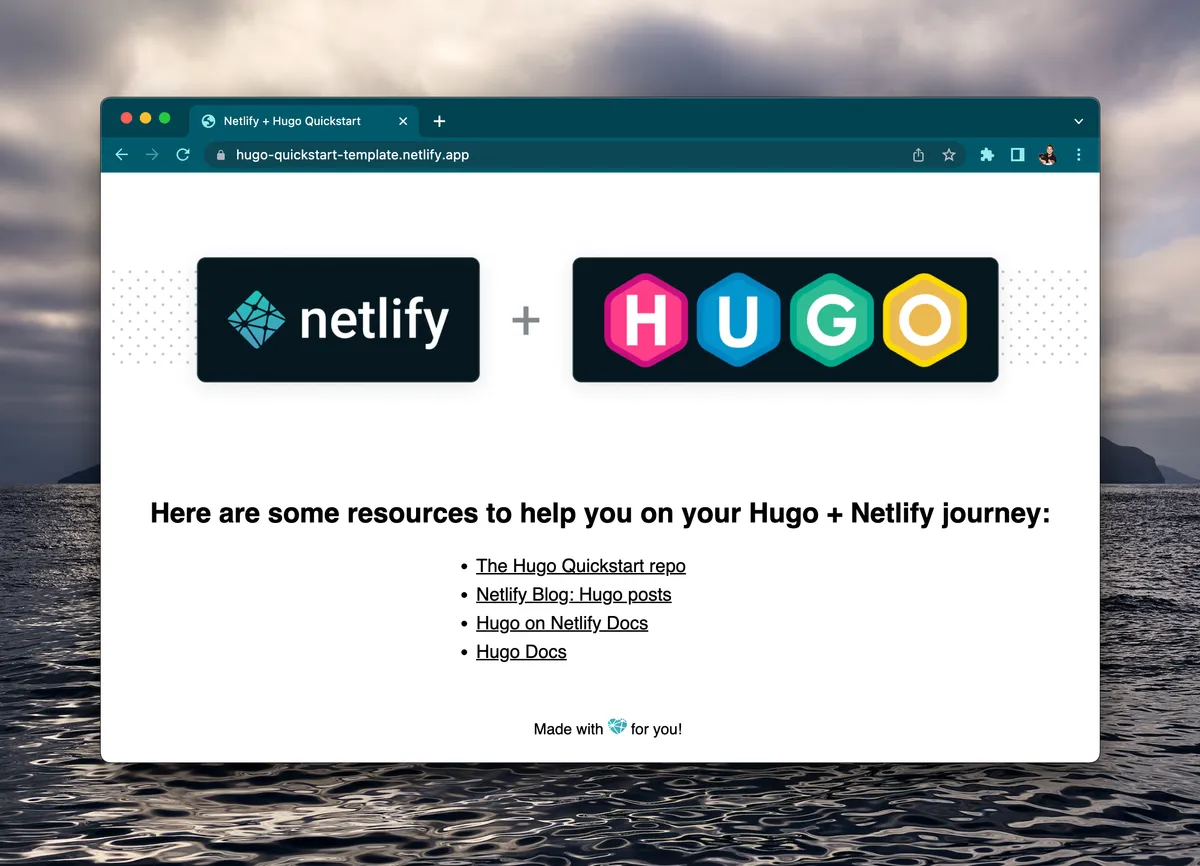
Ready to get your Hugo app to the world fast? With our new Hugo Quickstart Template you can create and deploy a bare-bones Hugo app and have it deployed for everyone to see oh so quick!
Here is the info:
-
This button that will make a new repo, new Netlify project, and deploy it ASAP

Clone + Develop
Clone this repo to make it yours with one of these options:
- Click the ‘Use this template’ button at the top of the page
- Or via the command line
git clone https://github.com/netlify-templates/hugo-quickstart
Once you have the repo locally, switch to the project’s main directory and start the Hugo sever with this command:
hugo server -D
Then you can head to http://localhost:1313/ to take a look at what you’ve created. You can make changes and watch the magic happen aka watch your live preview update.
Alternatively, you can run this locally with the Netlify CLI’s by running the
netlify devcommand for more options like receiving a live preview to share (netlify dev --live) and the ability to test Netlify Functions and redirects.
Share it with the World
Ready to put it up on Content Delivery Networks (CDN) closest to your audience? Let’s get it deployed!
- install the Netlify CLI globally
npm install netlify-cli -g - Run
hugo - use the
netlify deploycommand for a deploy preview link ornetlify deploy --prodto deploy to production
Other deployment Options
There a few other fun ways to get your site out into the world:
- Use the Netlify CLI’s create from template command
netlify sites:create-template hugo-quickstartwhich will create a repo, Netlify project, and deploy it - If you want to utilize continuous deployment through GitHub webhooks, run the Netlify command
netlify initto create a new project based on your repo ornetlify linkto connect your repo to an existing project
Go Forth & Create
You’re all set now to make it yours and share whatever it is you’re stoked to get out into the world. We can’t wait to see what you create, show us what you made @Netlify! Happy coding 👩🏻💻!